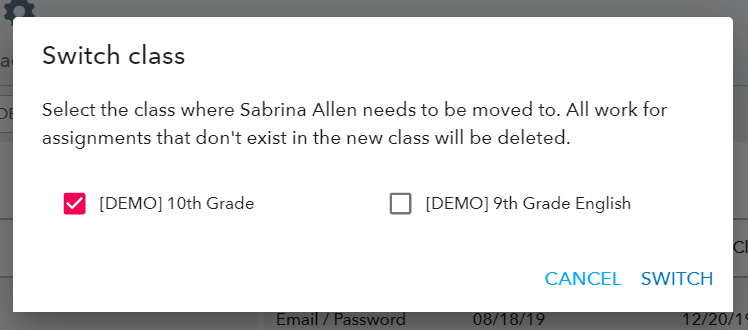
You can easily move students from one class to another. If you have the same assignments across classes, all student work will be transferred.
Important: For Google Classroom and Clever, students have to be moved in those applications before syncing roster to Actively Learn.
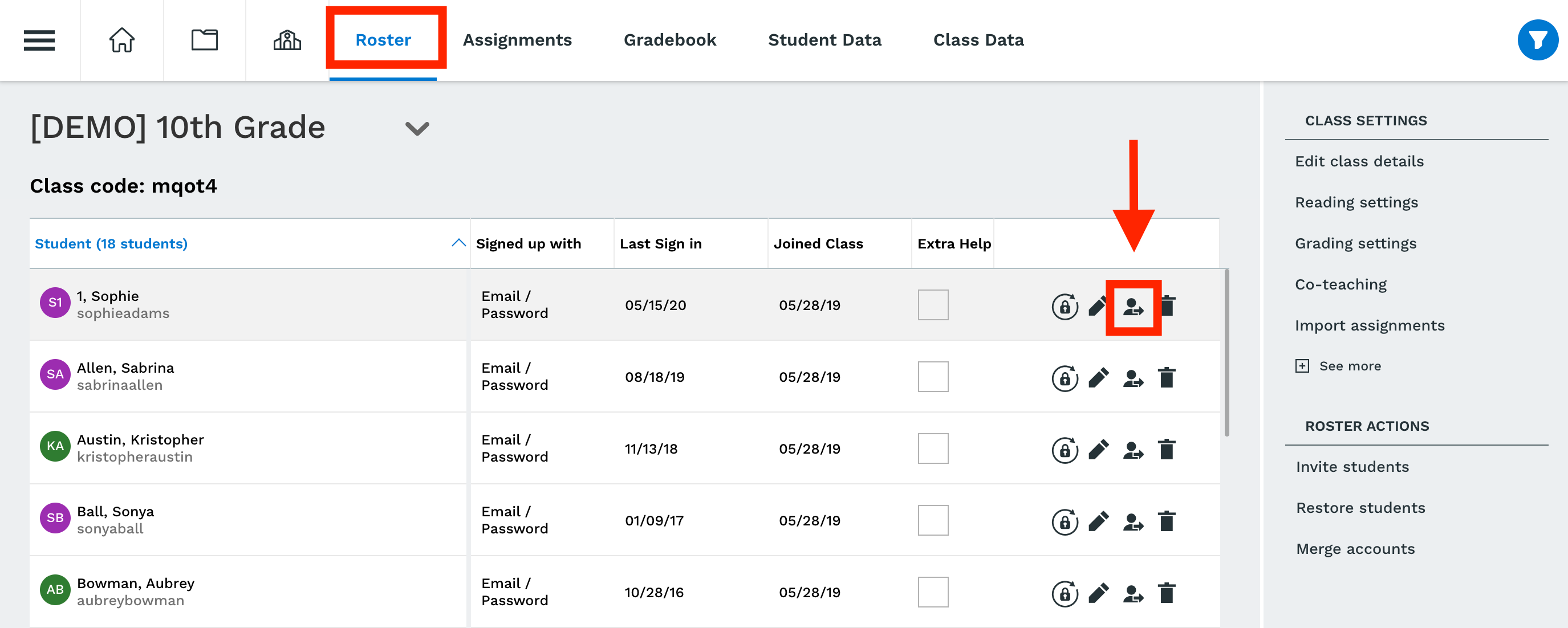
STEP 1: Select the Class and then click "Roster"
STEP 2: Find the student you want to move and click "Switch Class" icon
STEP 3: Select the Class you want to move the student to, and then click Switch